
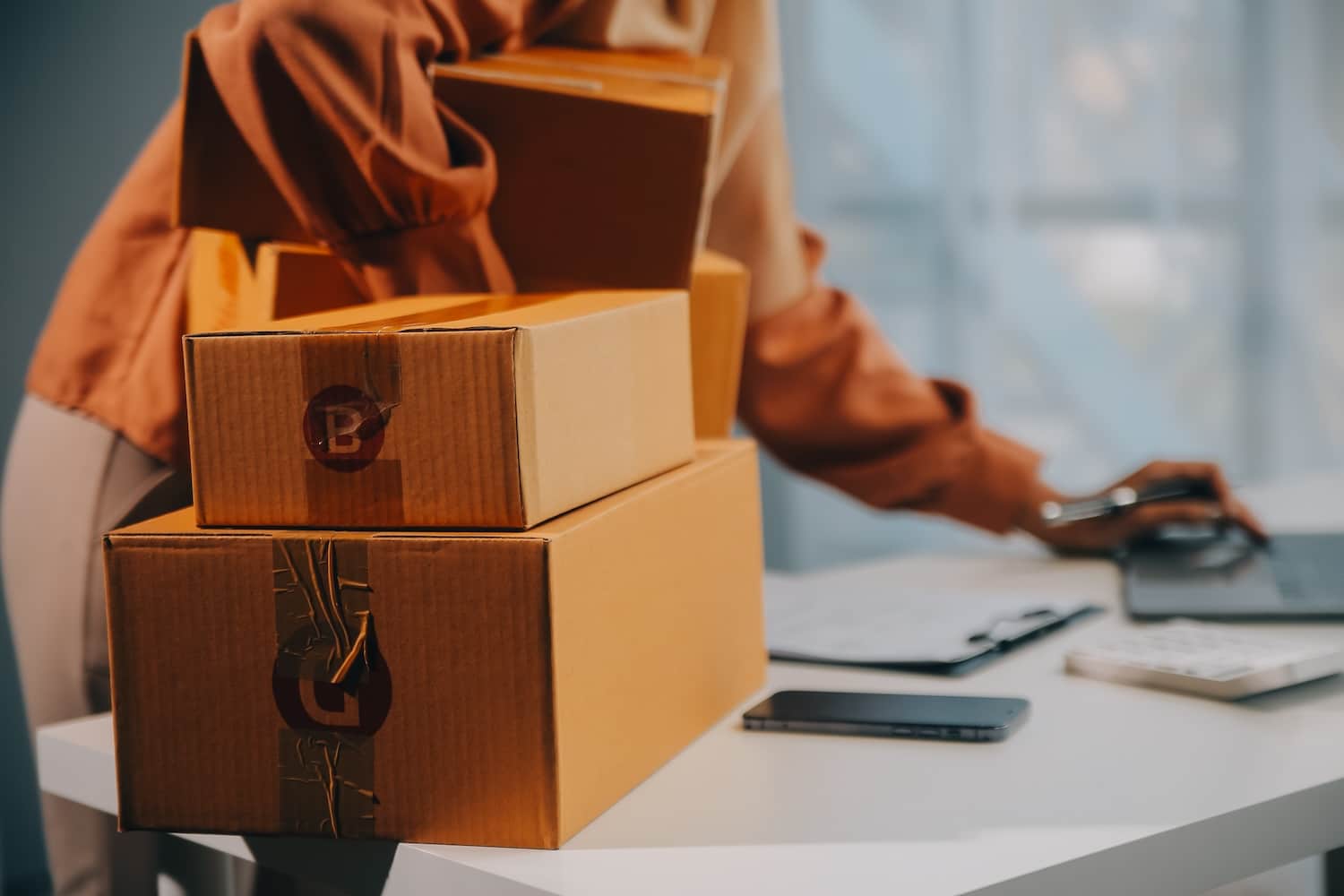
Fulfilment by Amazon is a fantastic way to streamline your order fulfilment and reach millions of customers. Imagine having Amazon handle all the packing, shipping, and customer service for you! Sounds great, right?
However, shipping to Amazon FBA comes with strict guidelines that need to be followed. In fact, many sellers find FBA to be a bit of a challenge because of these rigorous requirements. So what exactly are the requirements, and how do you ensure you’re compliant with the guidelines for shipping in the FBA programme? Here’s everything you need to know.
How does Amazon FBA work?
From handling returns and customer service enquiries to tracking your inventory levels through your Amazon Seller Central account, selling your products on Amazon’s marketplace allows you to focus on growing your business while Amazon takes care of the logistics.
Once you’ve decided which products to sell on Amazon and you’ve signed up for FBA, you send your products to Amazon’s warehouses, and they take care of the rest. Your products are stored in Amazon’s secure warehouses, and you’ll pay storage fees based on the space your FBA inventory occupies. When a customer places an order for your product, Amazon picks, packs, and ships it directly to them.
When you’re part of the FBA programme, your products immediately become eligible for Amazon Prime shipping. On average, Amazon Selling Partners see a sales uplift of around 35% when moving their products to FBA as a result of faster delivery. This means that many eCommerce business owners find signing up for Amazon FBA significantly boosts their revenue.
How do I send my first FBA shipment?
Sending your first shipment to Amazon FBA is a major step in establishing your eCommerce business. Here’s a step-by-step guide to make sure you have a smooth and efficient process:
- Set up your FBA account: If you haven’t already, sign up for an Amazon Seller account and enrol in FBA. You’ll need a business mail address, a chargeable credit card, a valid passport or ID and your company registration details, including VAT.
- Make sure your product is listed: In your Seller Central account, find the “Manage all inventory” tab and check that your product is listed. If the item you want to ship isn’t listed under your managed FBA inventory, you’ll need to add it.
- Create a new shipment: Go to the ‘manage all inventory’ tab and find the product you want to ship. Click the product and select ‘Send/replenish inventory’.
- Check your shipping information is correct: Make sure your shipping address is where your products are coming from, and your marketplace destination and fulfilment capability are correct.
- Create your case pack template: A case pack is a box that holds multiple units of your product. In the packing details, add the number of units per box, the boxes’ dimensions and weight. Let Amazon know how many cases and units you’ll be sending.
- Label your products and the boxes: You’ll need to print the shipping labels provided by Amazon and attach them to your products and boxes as instructed. Make sure each product has an FNKSU label on it and the box has the FBA label and the carrier label.
- Confirm the shipping date and method: Select your shipping date and shipping method. You can either ship your products yourself or use a third-party logistics provider (3PL) to handle the shipping for you.
- Ship your products to the warehouse: You can drop off your shipment at the location of your chosen carrier or schedule a pickup for them to come to you.
- Monitor your shipment: After sending them off, you can track your shipment in Seller Central and ‘Manage FBA Shipments’. If Amazon splits your boxes up and sends them to different fulfilment centres, check that they all arrive. Once they get there and are processed, your products will be available for sale on Amazon!
And just like that, you’re on your way to selling with FBA!
How to Send Products to Amazon FBA
Proper preparation is so important when you’re shipping to Amazon FBA, as they have strict requirements for packaging, labelling, and shipping of incoming inventory. If you fail to comply with these guidelines, you risk facing rejected shipments, additional fees, or even account suspensions. This includes guidelines for specific product categories, like food items or hazardous materials.
Labelling
Each item you send to Amazon must have a unique FNSKU label. You can either print these labels yourself or have Amazon do it for a small fee. Make sure the labels are clear and that any variations (like sizes or colours) are clearly labelled and packaged separately.
Packaging
Your products need to be packaged securely to prevent damage during shipping. Double-check that you’re sending the correct quantity of each item, and use sturdy boxes and appropriate packing materials, like bubble wrap or packing peanuts, to cushion your them. Don’t forget to seal the boxes well!
Product Condition
You need to make sure that your products are in new, sellable condition. If you’re sending used or refurbished items, make sure they meet Amazon’s guidelines for condition.
If you’re thinking about using a 3PL like us at Delta Fulfilment, we can help streamline this process with our FBA prep services. Our team is experienced in handling the intricacies of FBA requirements, so you can rest assured that your products will be properly prepared for shipment.
How much does it cost to ship to Amazon FBA?
While there are costs associated with shipping to Amazon FBA, most sellers find that the benefits outweigh the costs. Here are some of the fees that you can expect as an FBA seller from the FBA Rate Card.
Fulfilment Fees
These are charged per unit and cover the costs of picking, packing, and shipping your products. The fees vary based on the size and weight of your items, so generally, standard-size items incur lower fees (from £1.34) compared to oversized items (up to £44.25).
Storage Fees
Amazon charges monthly storage fees based on the space your inventory occupies in its fulfilment centres. These fees will differ depending on your industry and the time of year but will be around £0.50-£1.50 per cubic foot per month. There are also additional fees for long-term storage if your products sit unsold for more than 181 days.
Shipping Costs
If you’re shipping your products to Amazon yourself, you’ll need to factor in the shipping costs from your location to the fulfilment centre. This can vary based on the carrier you choose and the distance involved. If you opt for a third-party logistics provider (3PL) like us, we will handle shipping for you.
Labeling Fees
If you prefer to have Amazon label your products for you instead of doing it yourself, there’s a small fee per unit (from £0.27 to £0.63 per item). This service can save you time, especially if you have a large volume of products.
Returns Processing Fees
If a customer returns your product, Amazon charges a fee for processing the return. This fee is typically lower than the fulfilment fee but varies by product category and size. For example, a standard size return is around £0.61, whereas an oversized return could be anywhere up to £10.01 + £0.76 /kg.
Outsource Your Shipping to Amazon FBA
Want to simplify your Amazon FBA prep? At Delta Fulfilment, we specialise in Amazon FBA prep services, making it easy for you to get your products to Amazon’s fulfilment centres:
- Receiving Your Inventory: Ship your inventory to our warehouse. We’ll receive and store them securely until they’re ready for FBA prep.
- Expert FBA Preparation: Our team is well-versed in Amazon’s strict requirements. We’ll make sure your products are prepped correctly, including:
- Proper labelling with FNSKU barcodes
- Packaging that meets Amazon’s guidelines
- Bundling or kitting as needed
- Quality Control: We perform thorough checks to ensure your products meet Amazon’s standards, reducing the risk of rejections or customer returns.
- Creating Shipments: We’ll create your FBA shipments in Seller Central, saving you time and hassle.
- Efficient Delivery: Once prepped, we’ll ship your products directly to the appropriate Amazon fulfilment centre/s using Amazon’s preferred carriers.
- Real-Time Updates: Our user-friendly dashboard lets you track your inventory and shipments, giving you full visibility into the process.
- Flexible Solutions: Whether you’re a small seller or a large brand, we can scale our services to meet your needs.
Let’s team up and make your Amazon FBA experience smooth and successful. Reach out to us today, and let’s get started on your journey to eCommerce success!
Fulfilment By Amazon (FBA) FAQs
Are there any restricted items that cannot be shipped to Amazon FBA?
Yes, Amazon has specific restrictions on items that can be shipped to their fulfilment centres. Some examples of products that are prohibited or require pre-approval include:
- Alcoholic beverages
- Vehicle tyres
- Gift cards, gift certificates, and other stored-value instruments
- Products with unauthorised marketing materials
- Loose packaged batteries
- Products that have been illegally replicated, reproduced, or manufactured
- Certain high-value items like jewellery
- Gambling-related products
This list is not exhaustive, and Amazon’s policies can change. Sellers should always check the current FBA product restrictions and requirements before sending inventory to Amazon’s fulfilment centres.
Does Amazon FBA ship internationally?
Yes, Amazon FBA does offer international shipping options. Through their Global Export program, FBA sellers can make their products available to customers in many countries worldwide.
However, not all products are eligible for international shipping, and additional fees may apply. Sellers should check their specific product eligibility and review Amazon’s international shipping policies.
How do I know which Amazon warehouse to ship to?
When creating your shipment plan in Seller Central, Amazon will direct you to specific fulfilment centres based on your inventory. Make sure to follow their instructions for which centre to ship to.
What is the difference between Amazon FBA and Amazon FBM?
The main difference between Fulfillment by Amazon (FBA) vs Fulfillment by Merchant (FBM) lies in who handles the storage, packing, and shipping of products:
- FBA: Amazon takes care of storage, picking, packing, shipping, customer service, and returns. This option allows your products to be eligible for Amazon Prime.
- FBM: You manage all aspects of fulfilment, including storage and shipping directly to customers. This gives you more control but requires more hands-on management.